Adobe Illustrator Tech Pack Template – Editable AI File
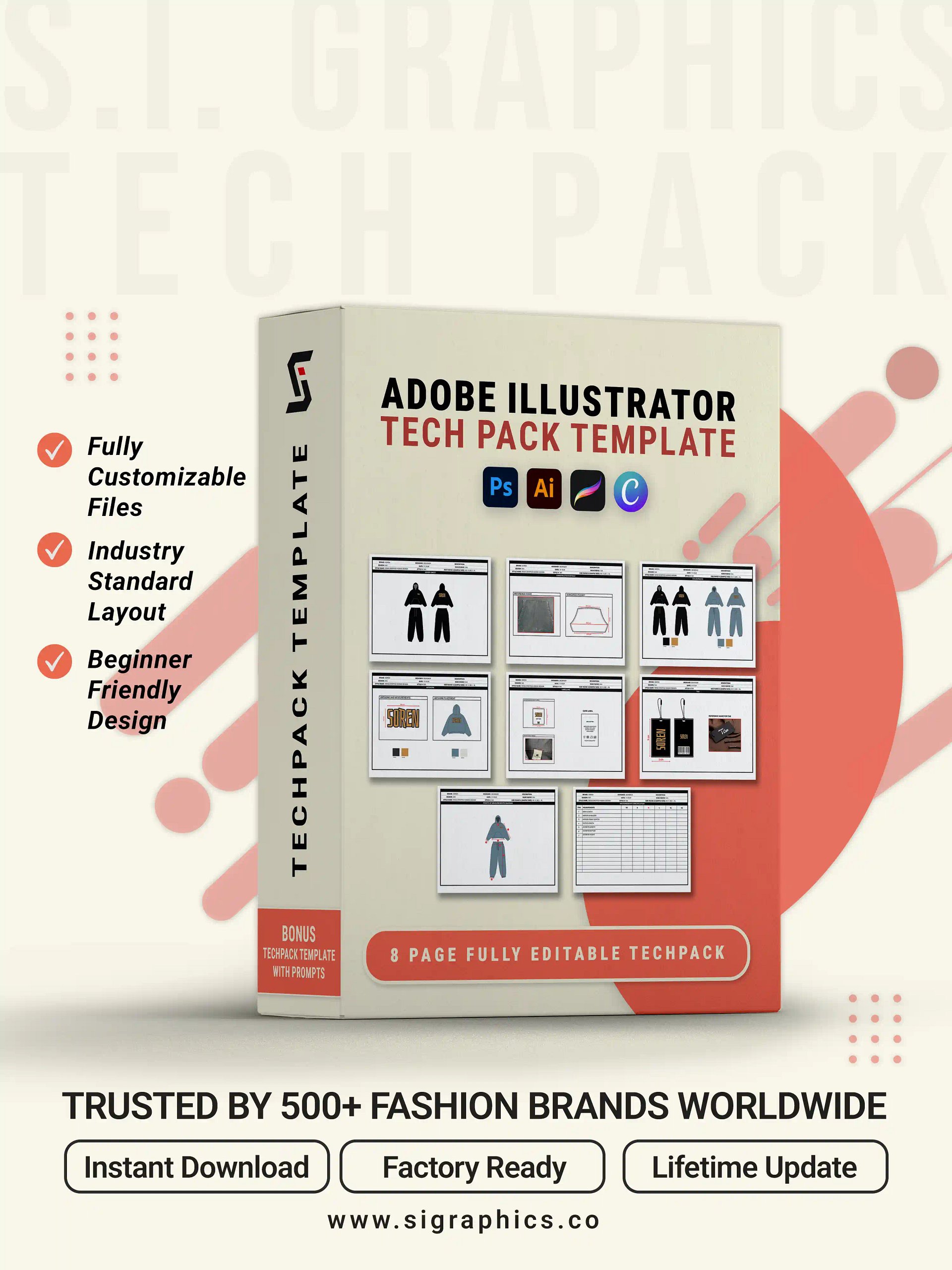
Every factory submission starts with the same problem: an incomplete or inconsistent tech pack that causes costly sampling errors. The Adobe Illustrator Tech Pack Template gives you a professionally structured, fully editable tech pack built natively in Adobe Illustrator — so you can document any garment with industry-standard precision and send it to manufacturers without revision loops.
Product Features
Built Natively in Adobe Illustrator
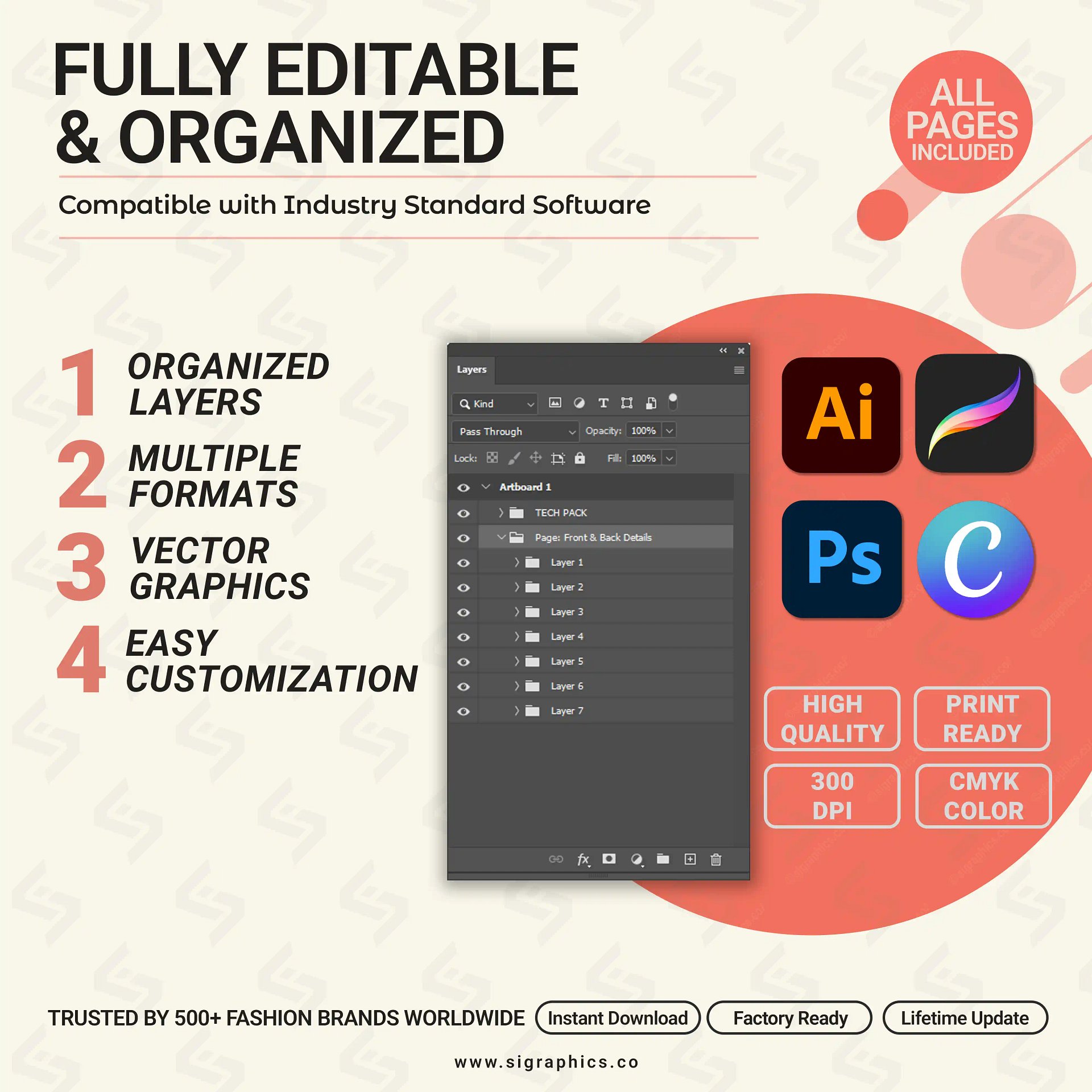
The template is built as a native AI file — not a workaround or an exported image. Every element is vector-based, fully editable, and organized across named layers. You control every line, measurement field, and color swatch without rebuilding the document structure.
Complete Tech Pack Structure, Already Built
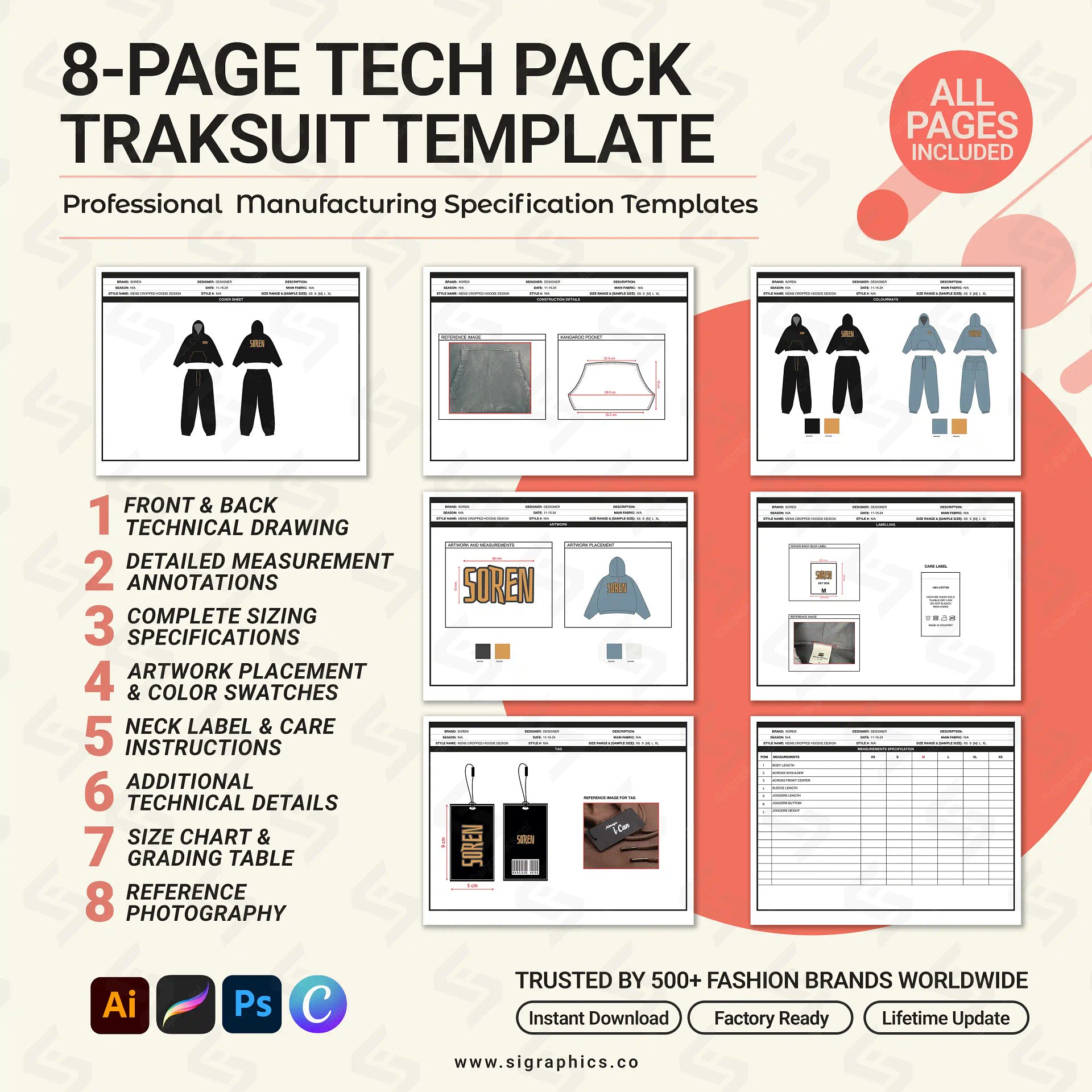
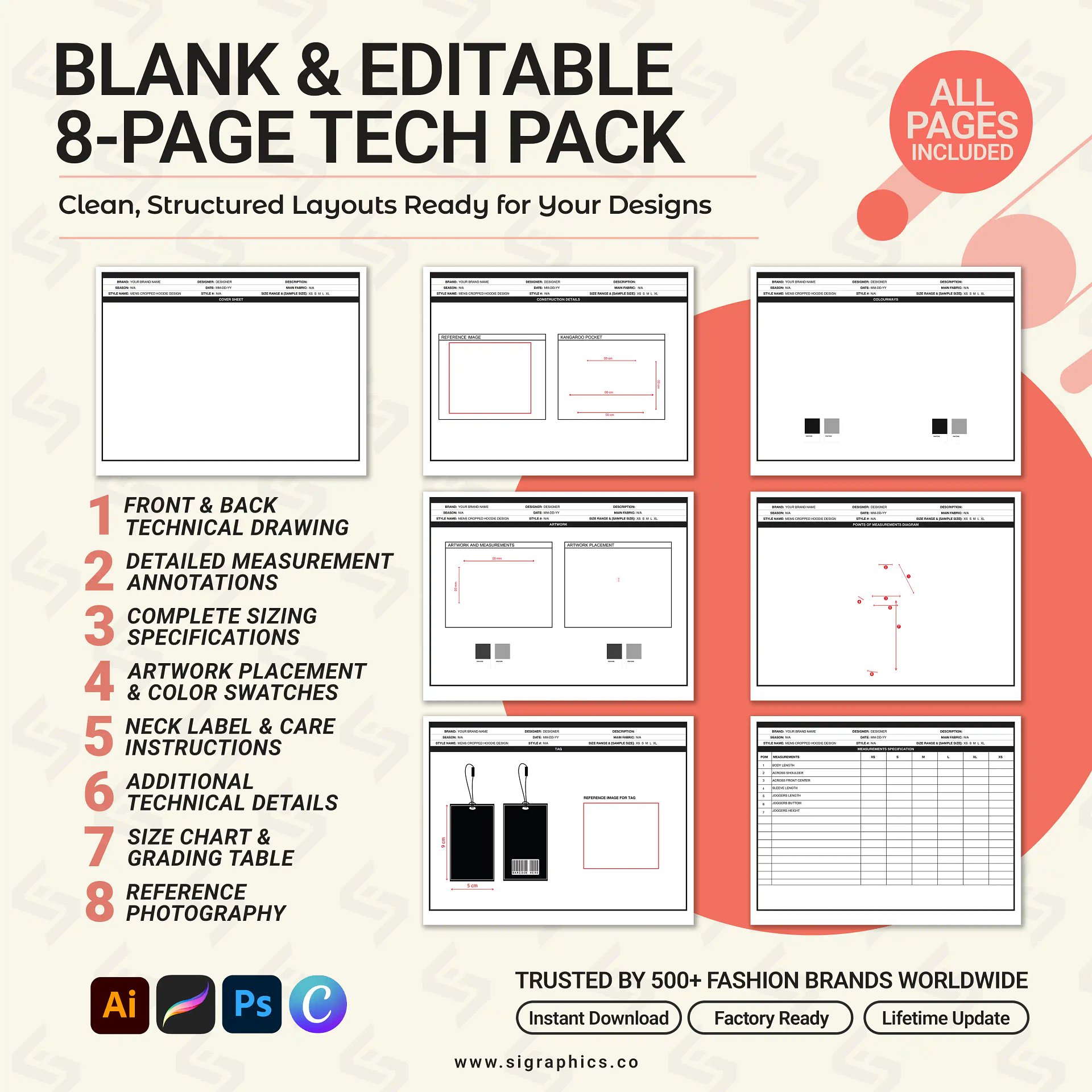
The document layout covers every section a manufacturer needs: technical flat sketch, measurement spec sheet, bill of materials, colorway page, construction details, and label placement guide. The framework is done — you fill in the garment specifics.
Fully Editable Vector Files
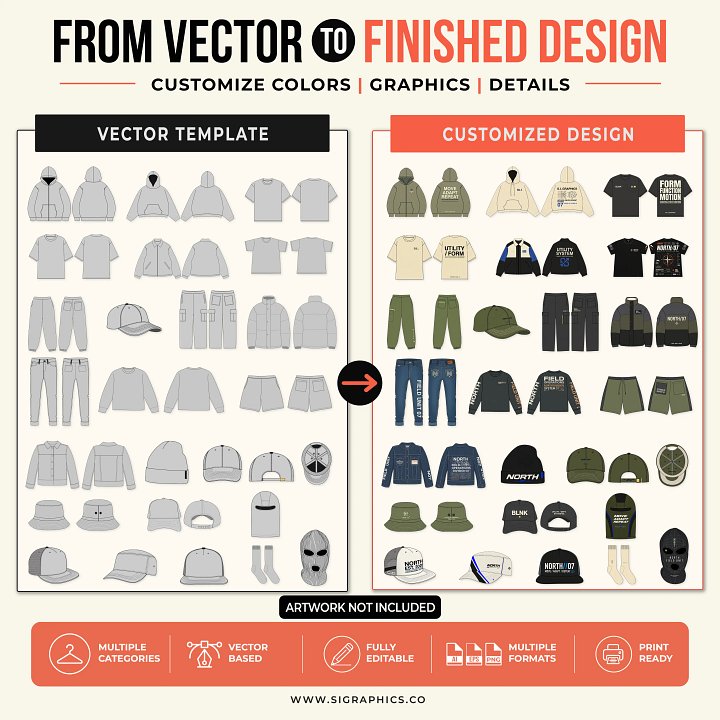
All files are AI, EPS, SVG, and PNG with organized layers and unlocked elements. Adjust colorways, update measurements, swap flat sketches, or add branding — without touching the document grid.
Cross-Platform Compatibility
Adobe Illustrator is the primary editing environment. SVG and PNG formats extend compatibility to Canva, Photopea, and Procreate for teams that use browser-based or tablet workflows.
What's Included
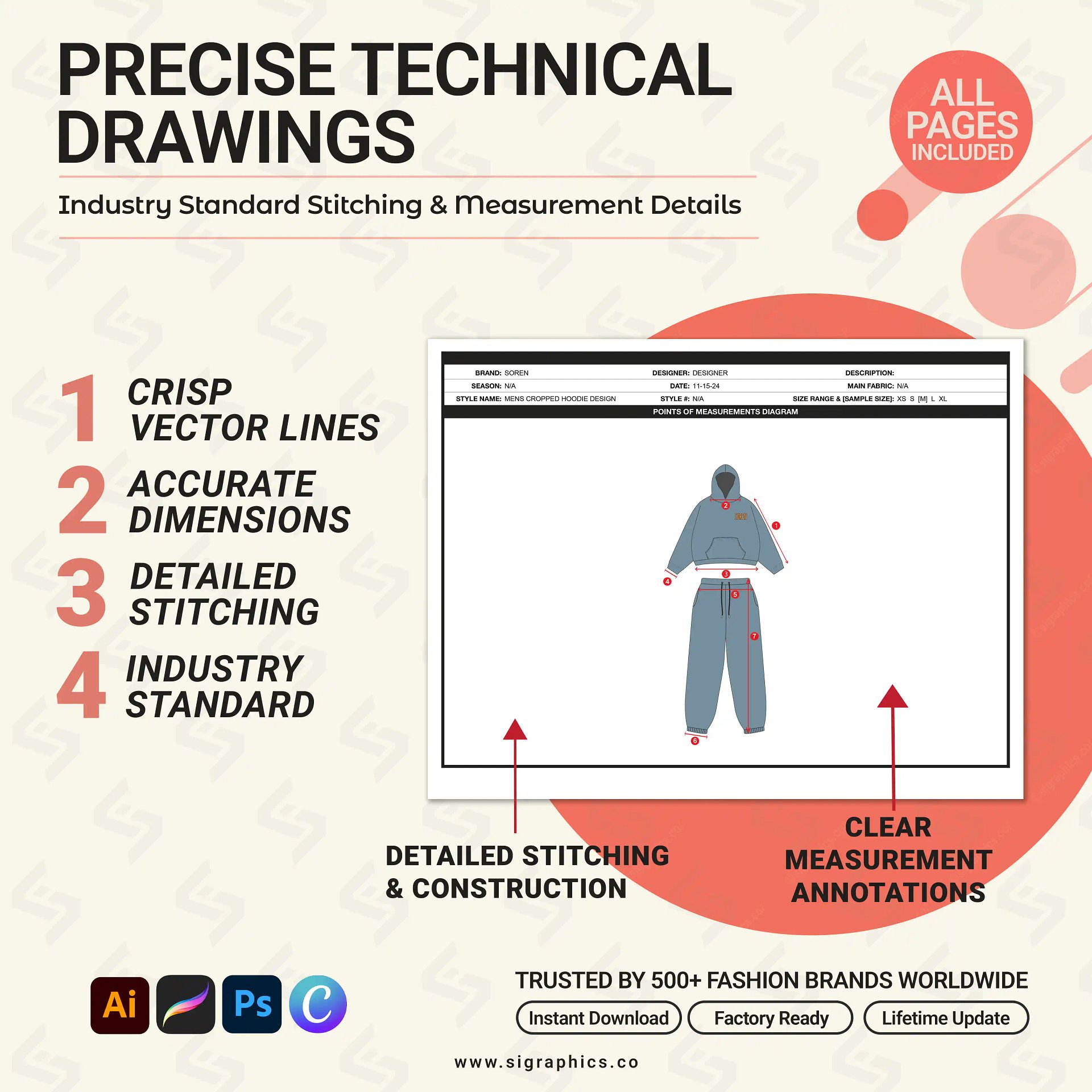
- Technical Flat Sketch Page — Editable garment flat with front and back views
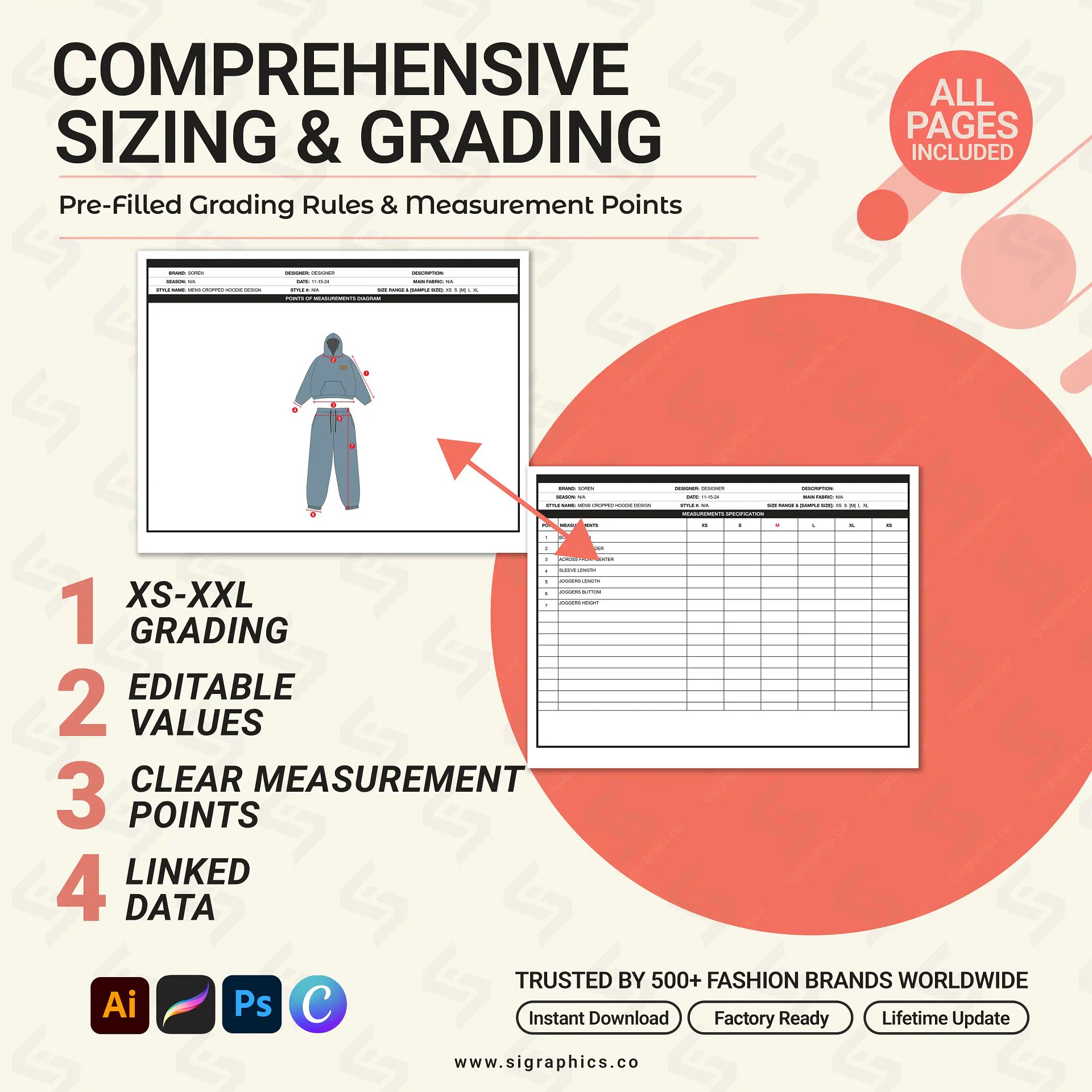
- Measurement Spec Sheet — Full grading table with critical points of measure
- Bill of Materials (BOM) — Fabric, trim, hardware, and label breakdown
- Colorway Page — Present multiple colorways in a clean, professional layout
- Construction Details Page — Stitch types, seam allowances, and finishing notes
- Logo & Label Placement Guide — Exact placement guides for branding elements
- File Formats — AI (native), EPS, SVG, PNG
Why Designers Love This Template
- Built in Adobe Illustrator — the industry-standard tool for technical fashion design
- Saves hours of layout setup — the document structure is already complete
- Vector files scale infinitely — no pixelation at any print size
- Reduces factory sampling errors by giving manufacturers unambiguous, structured specifications
Perfect For
- Fashion Designers building structured tech packs for client approvals and factory submissions in Adobe Illustrator
- Streetwear Brands communicating garment specifications to overseas manufacturers clearly and professionally
- Freelance Tech Pack Designers delivering polished, production-ready documentation to clients faster
- Apparel Startups creating their first tech pack without building the document from scratch
- Technical Designers building precise measurement spec sheets and size grading tables
- Fashion Students learning industry-standard tech pack structure and Adobe Illustrator workflow
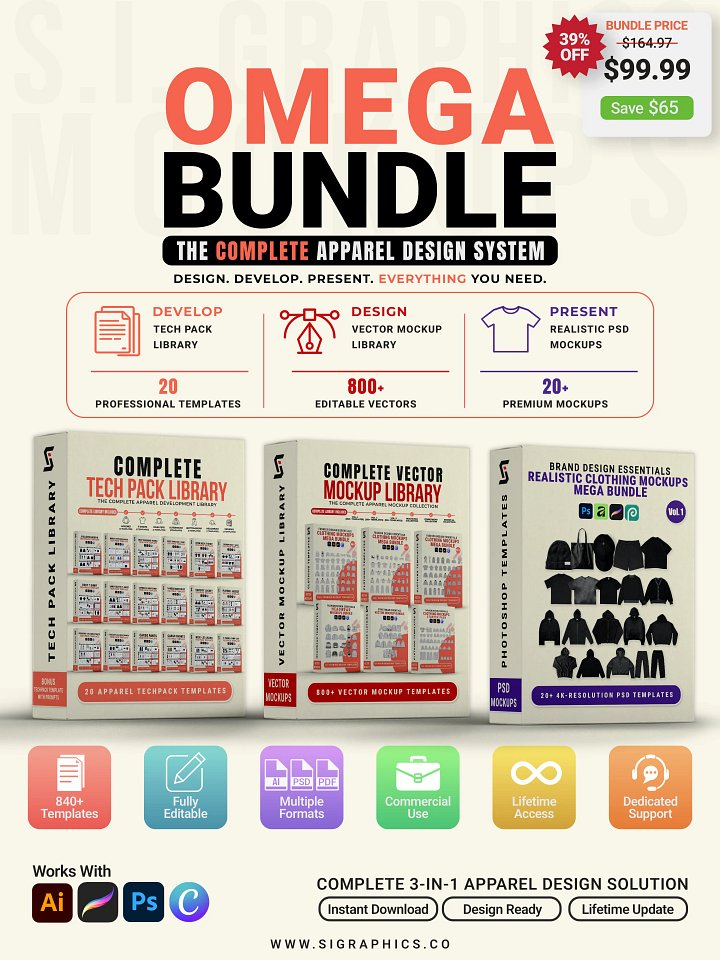
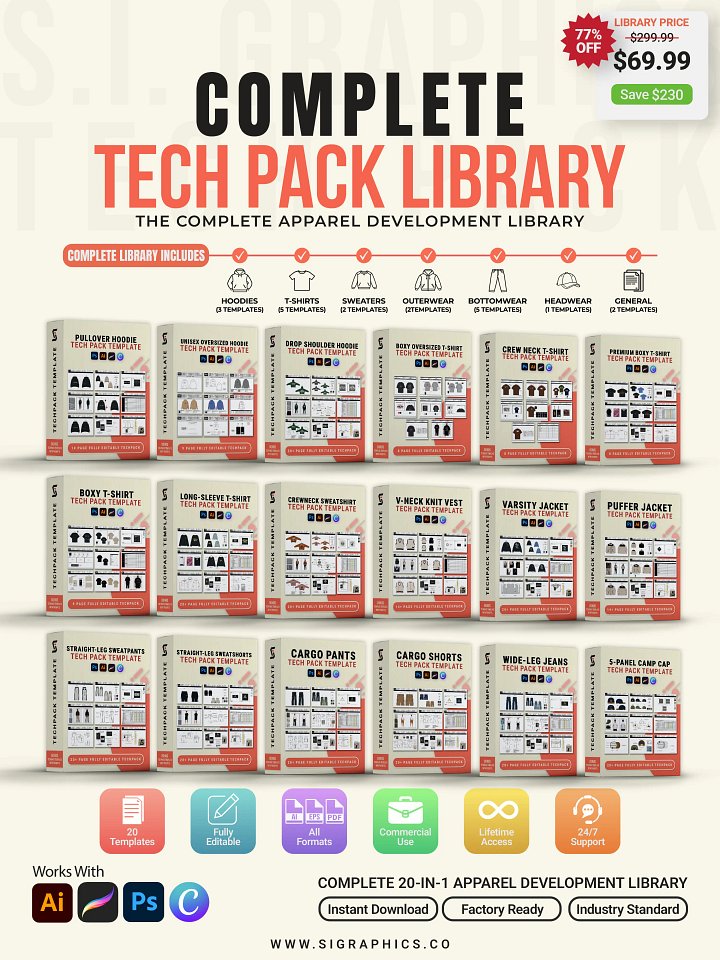
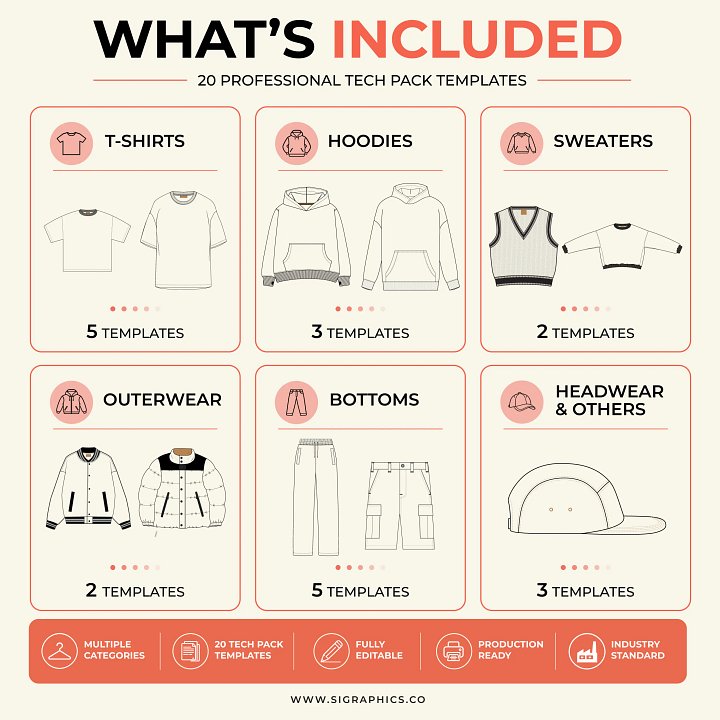
Need templates for multiple garment categories? Explore the Complete Tech Pack Library
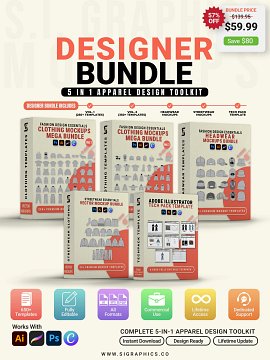
What's Included
- 16 PNG files (blank and example)
- 16 AI files (blank and example)
- 16 SVG files (blank and example)
- 2 Editable AI (Illustrator) master files
- 2 EPS master files
- 2 Editable PDF master files
- 1 Files Editing guide
Frequently Asked Questions
What software do I need to use this template?
Adobe Illustrator is recommended for full editing access. The SVG format works in Canva, Photopea, and Procreate for teams that use alternative tools.
Is this template garment-specific?
No. This is a universal tech pack template built in Adobe Illustrator format. It provides the complete document structure — flat sketch page, spec sheet, BOM, colorway, and construction details — adaptable to any garment type. For garment-specific tech pack templates with pre-built silhouettes, browse the Tech Pack Templates collection in our store.
Can I use this for client work?
Yes. The commercial license covers client tech pack projects, brand production files, and documentation created using the template.
Do I need to rebuild the document layout from scratch?
No. The complete document structure is already built. You fill in garment measurements, update the flat sketch, and add your brand details — without setting up grids, tables, or page sections.
Will manufacturers be able to read this format?
Yes. The layout follows the industry-standard tech pack structure recognized by garment manufacturers internationally. You can export to PDF for sharing and factory submission.
How is this different from the garment-specific tech pack templates?
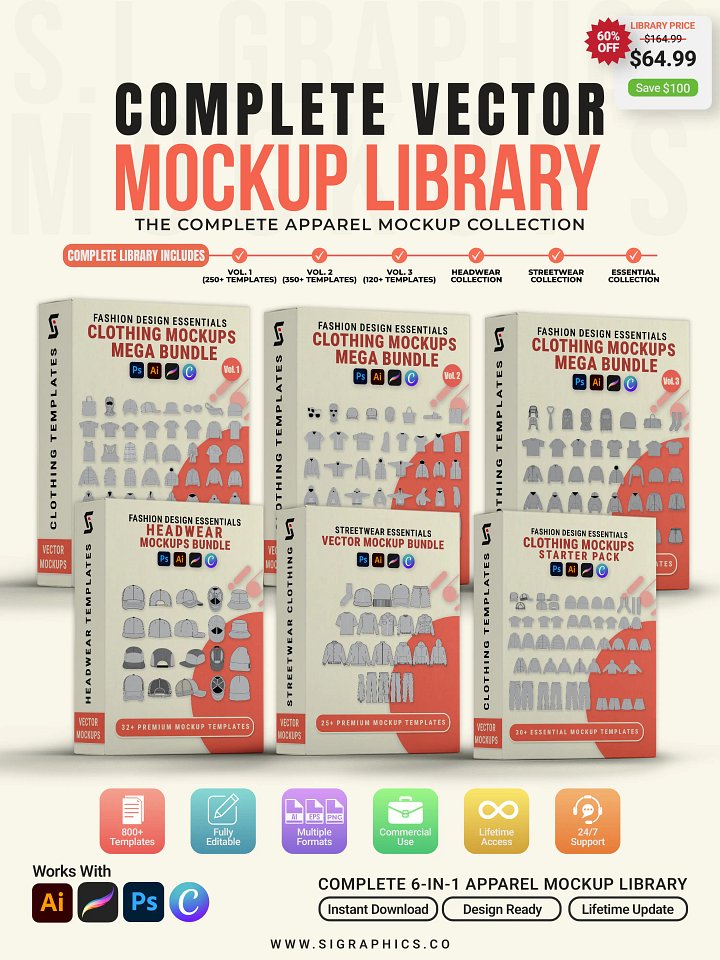
The garment-specific templates (hoodie, t-shirt, cargo pant, etc.) include pre-built flat sketches for each silhouette. This template provides the universal document structure — ideal if you work across multiple garment types or want a foundation to build your own silhouette library. Browse the Tech Pack Templates collection for garment-specific options.
Is there a version that uses Photoshop instead of Illustrator?
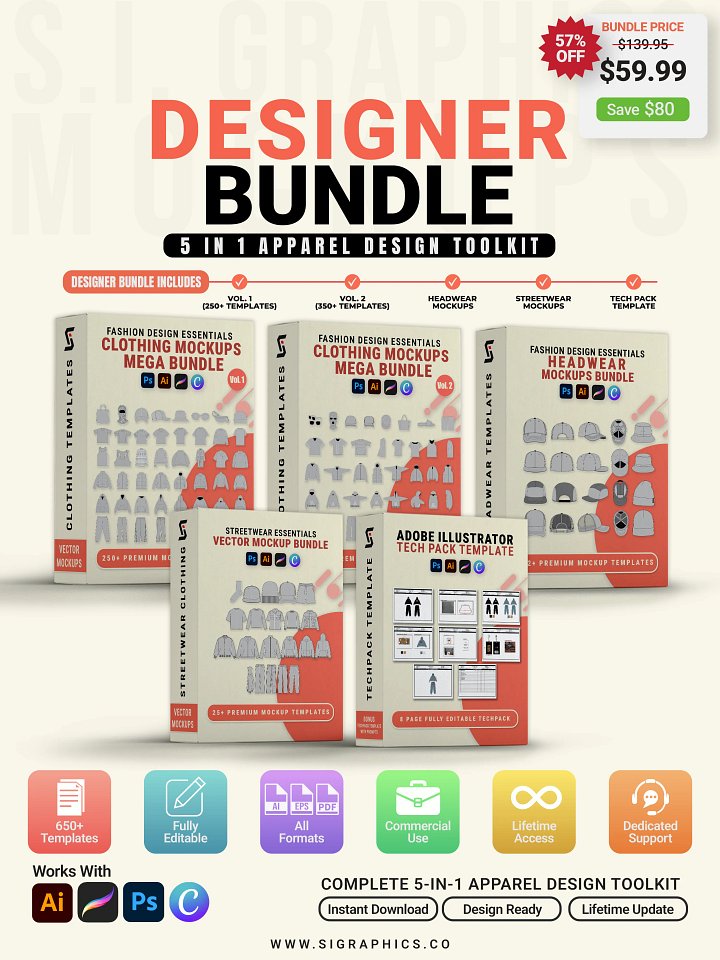
For Photoshop-based mockups, explore the Realistic Clothing Mockups Mega Bundle — 20+ 4K PSD files built for photorealistic product presentation in Adobe Photoshop.